Suzanne
Suzanne turns a sketch, a photo, or a sentence into a 3D model you can actually make. I co-founded it at Founders, Inc., designed the product, and built the platform, with support from NVIDIA Inception.
- Scope
- Product, interaction and visual design, brand, front end, back end, generation pipeline
- Stack
- React, TypeScript, Three.js, Node.js, Supabase, Stripe, opencascade.js, Claude
- Programs
- Founders, Inc. Canopy, NVIDIA Inception
One chair, start to finish
Industrial designers think in sketches, but every idea has to be rebuilt by hand in CAD before anyone can judge it.
Most AI 3D tools skip that work and return a pretty mesh that can't be printed, machined, or molded. Suzanne keeps the designer in the loop and ends with a model you can manufacture.
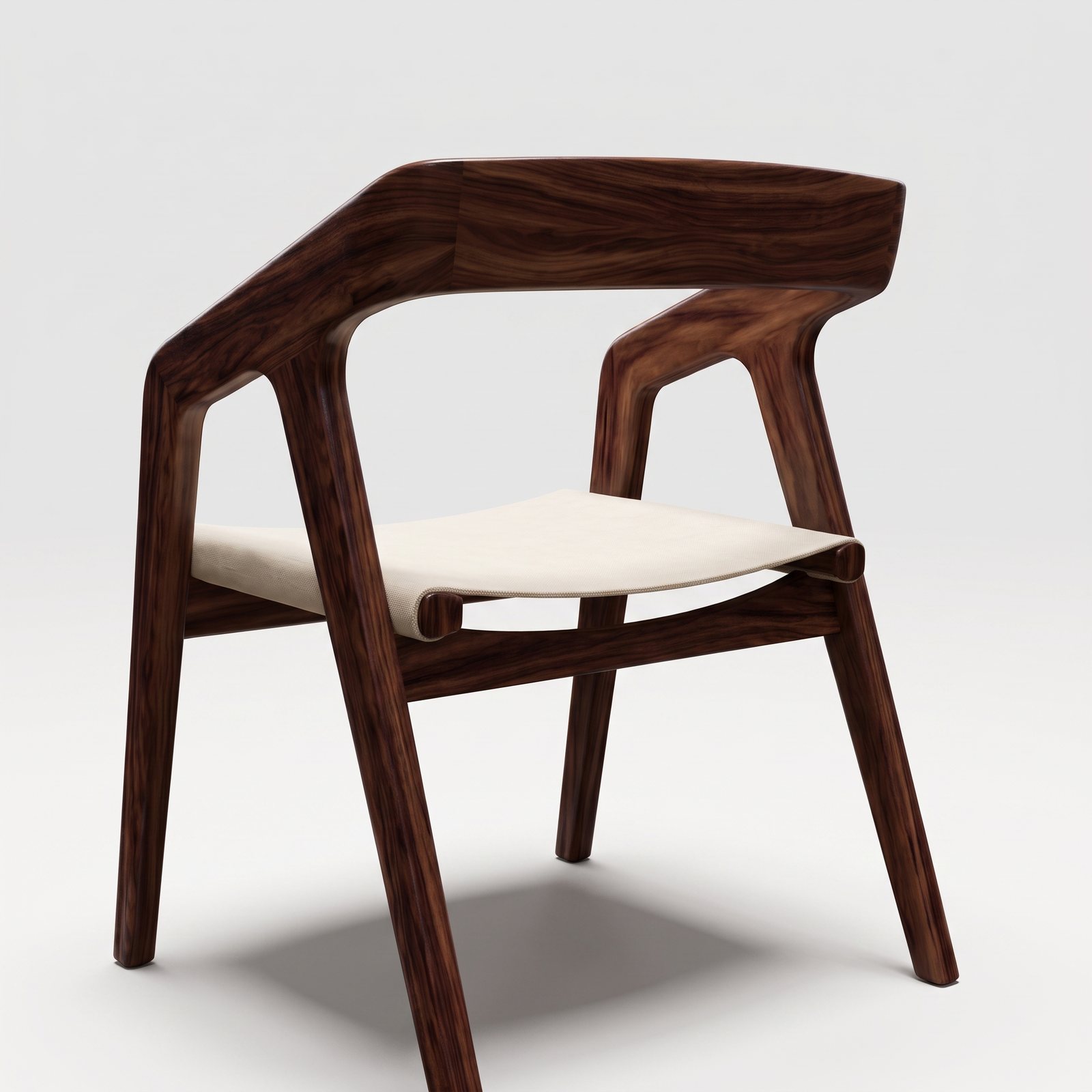
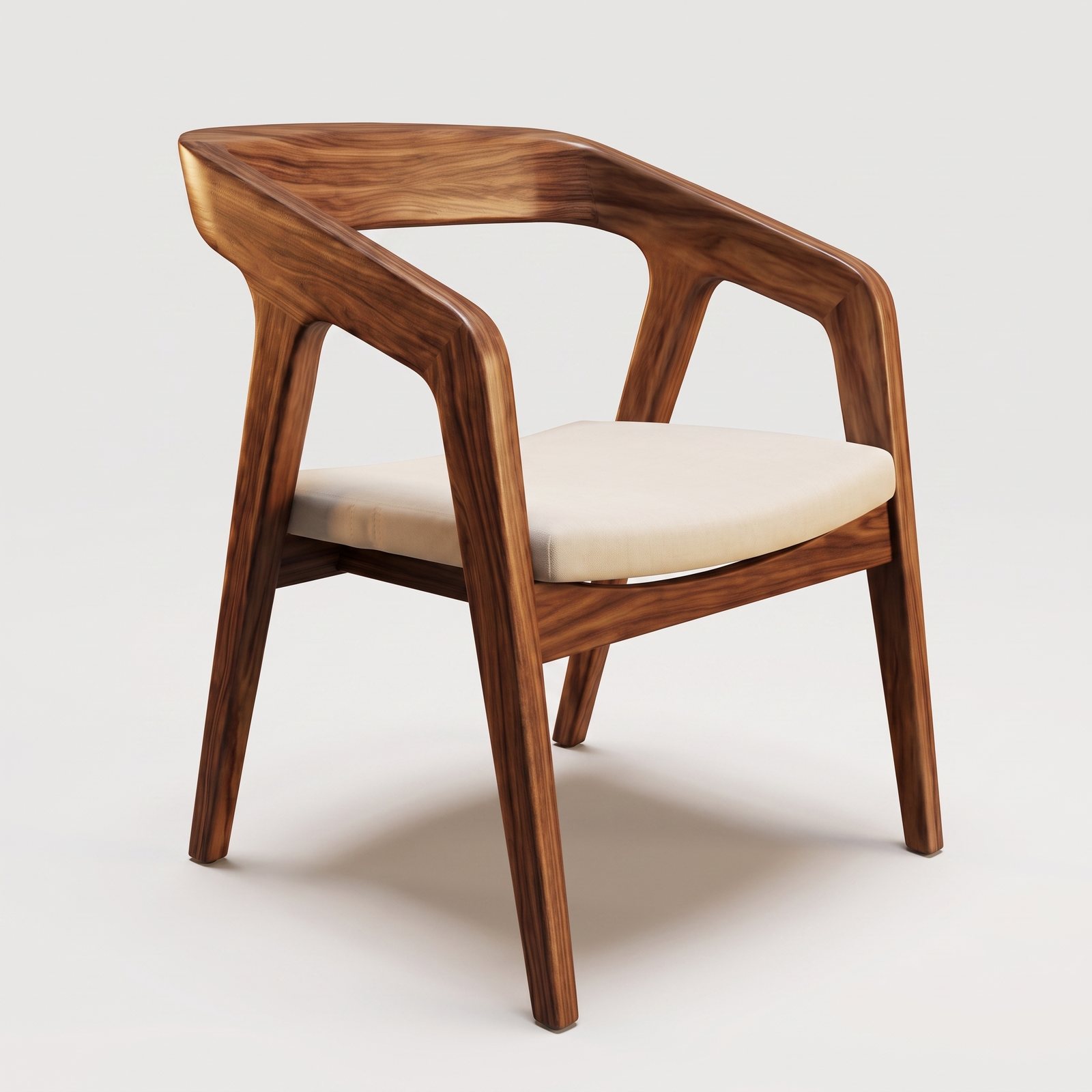
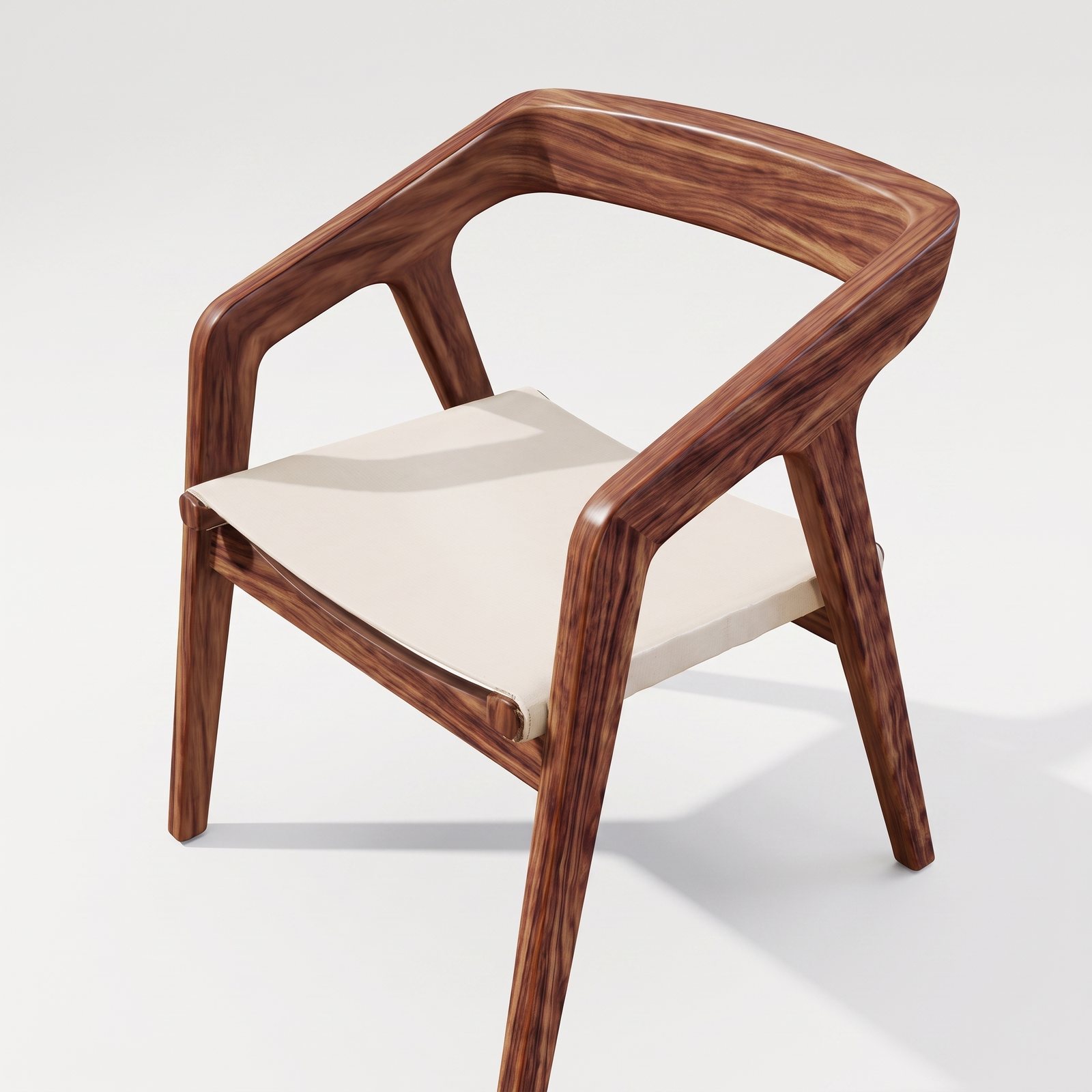
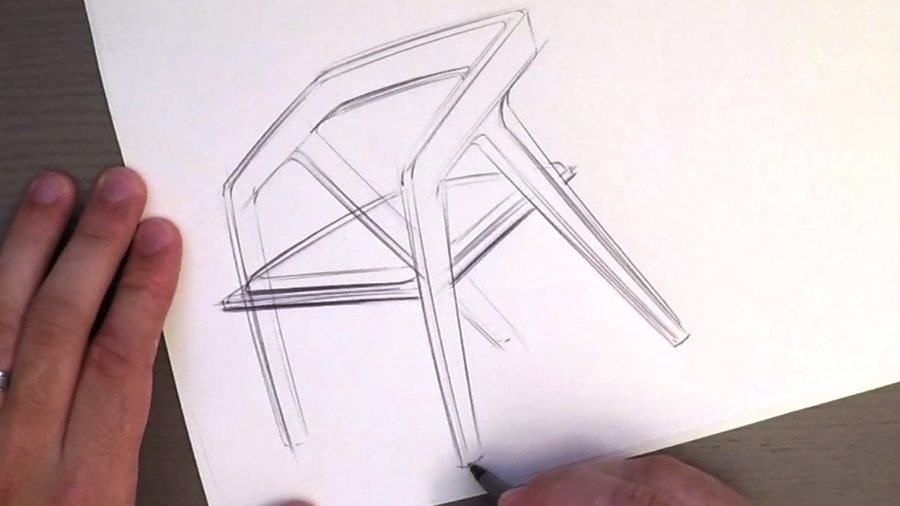
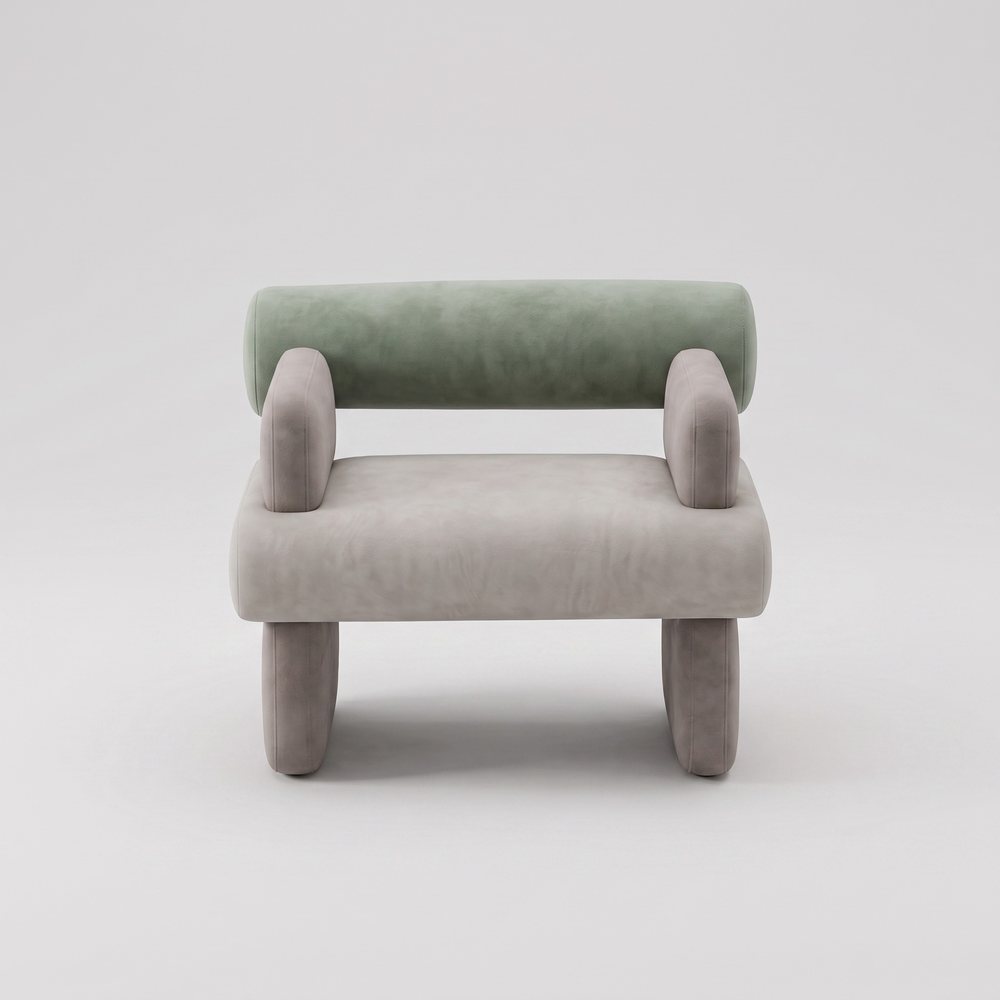
The clearest way to show it is one real project: a photo of a pencil sketch, turned into a walnut chair.
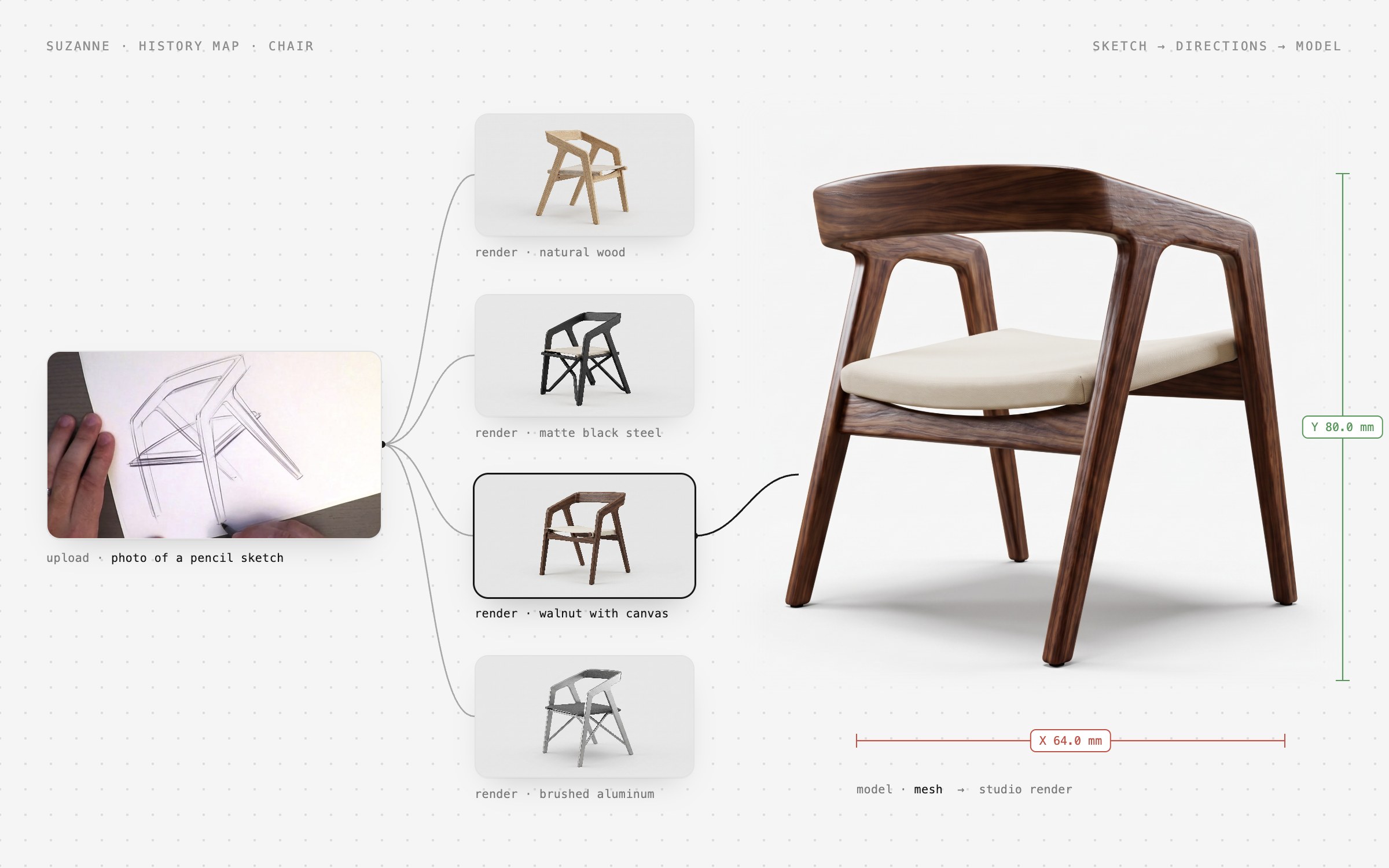
Upload
A photo of a pencil sketch and two words: “create variations.”
Explore
The agent proposes four materials from the same lines. Picking one is a click.
Approve
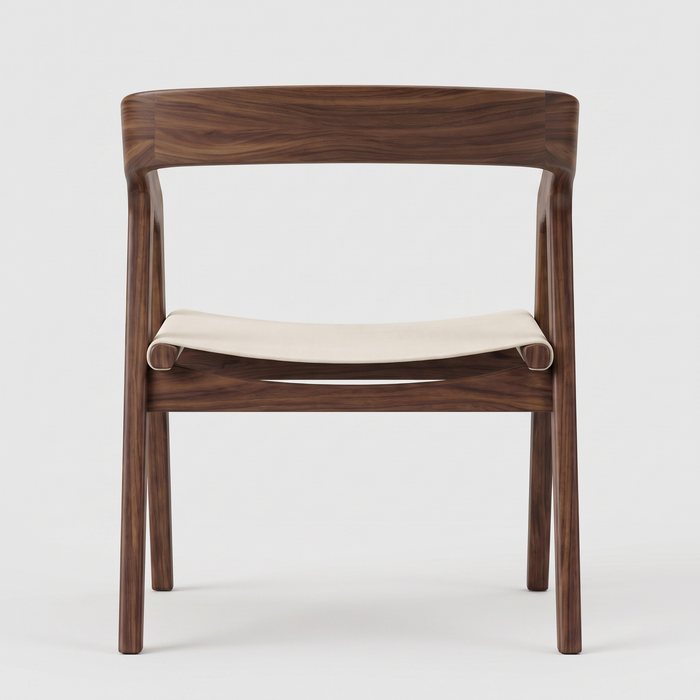
Four consistent views, checked by the designer before a single 3D credit is spent.
Build
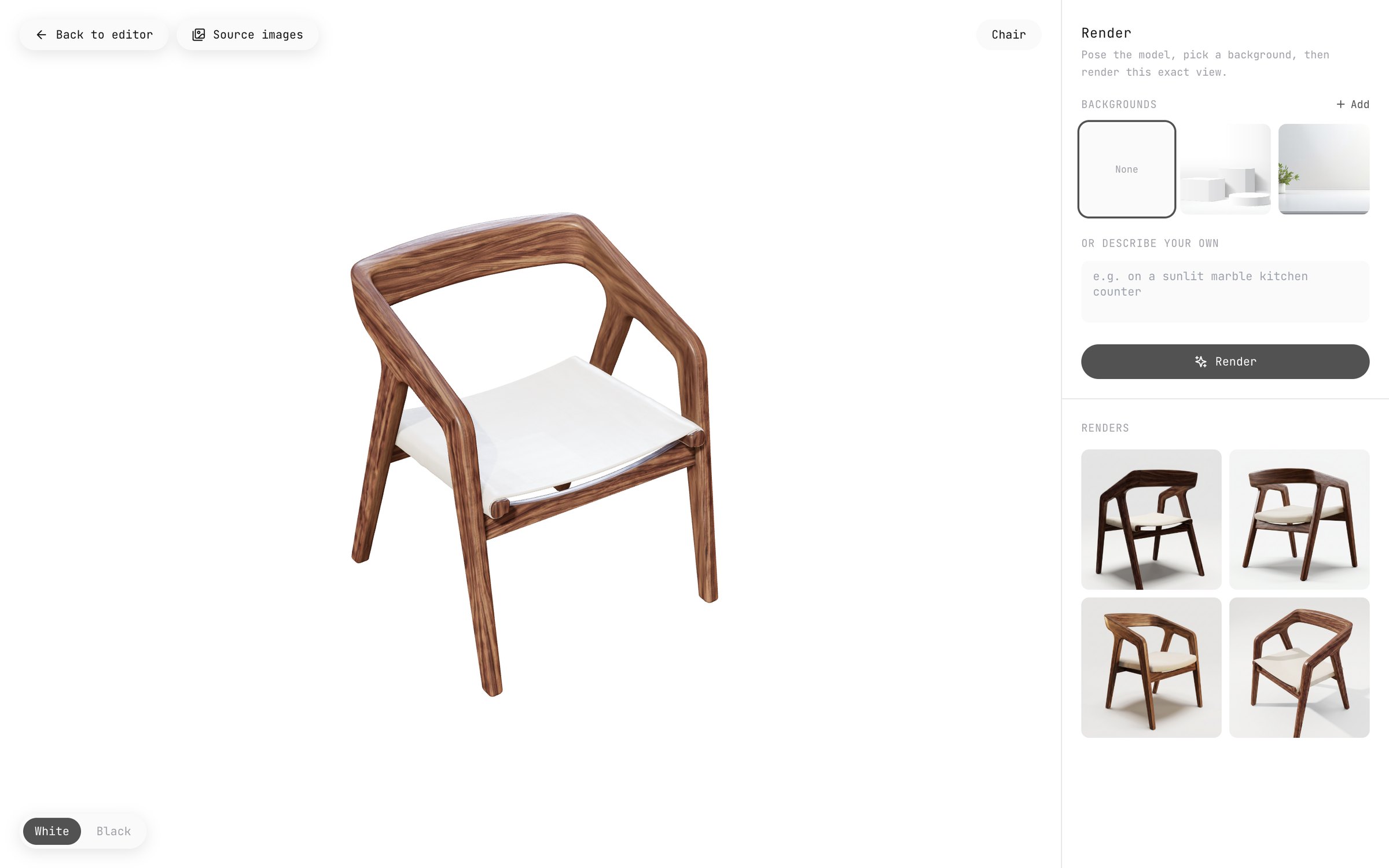
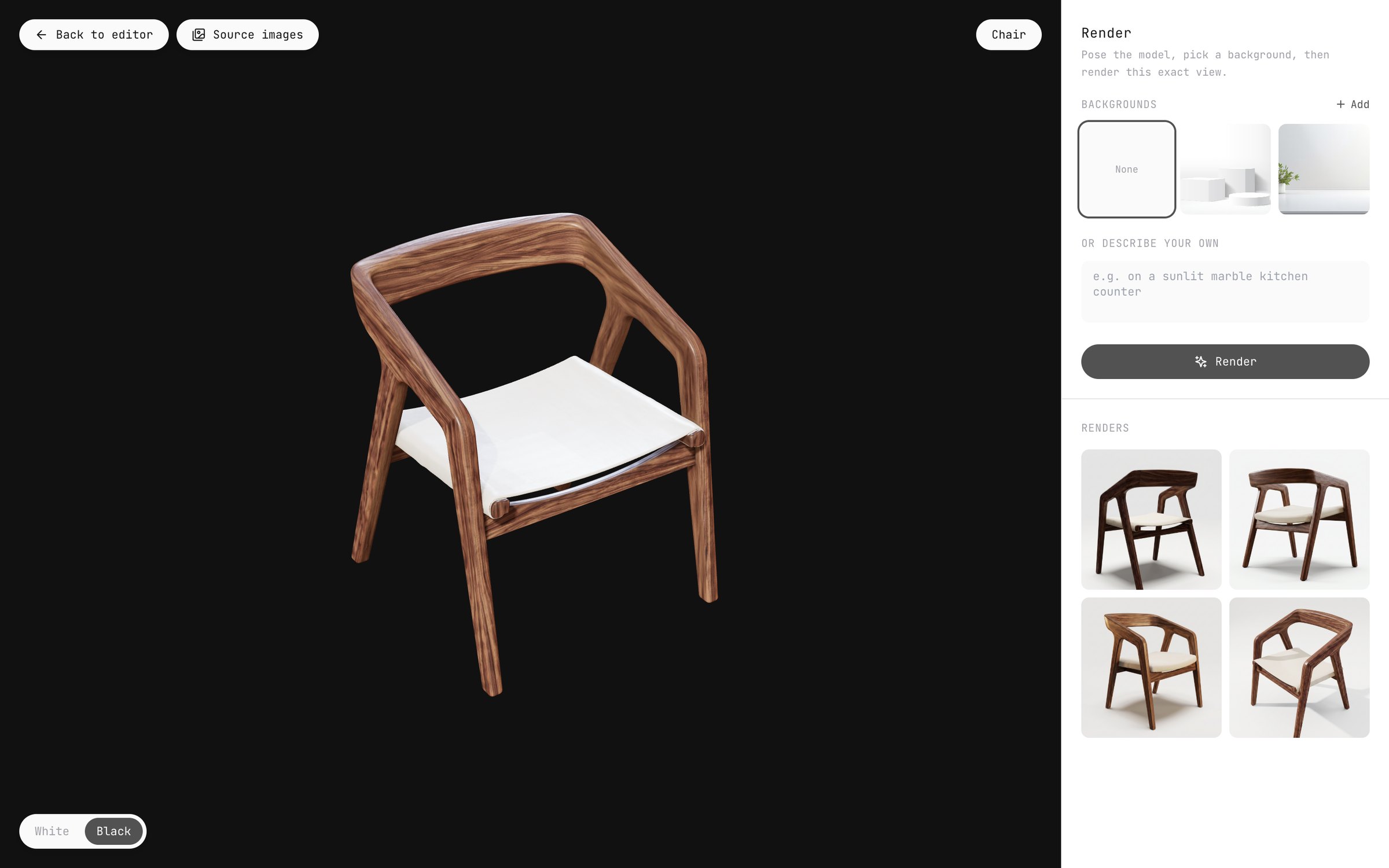
Reconstructed from all four angles into a textured mesh, sized in millimeters on a print bed.
Approve before you spend
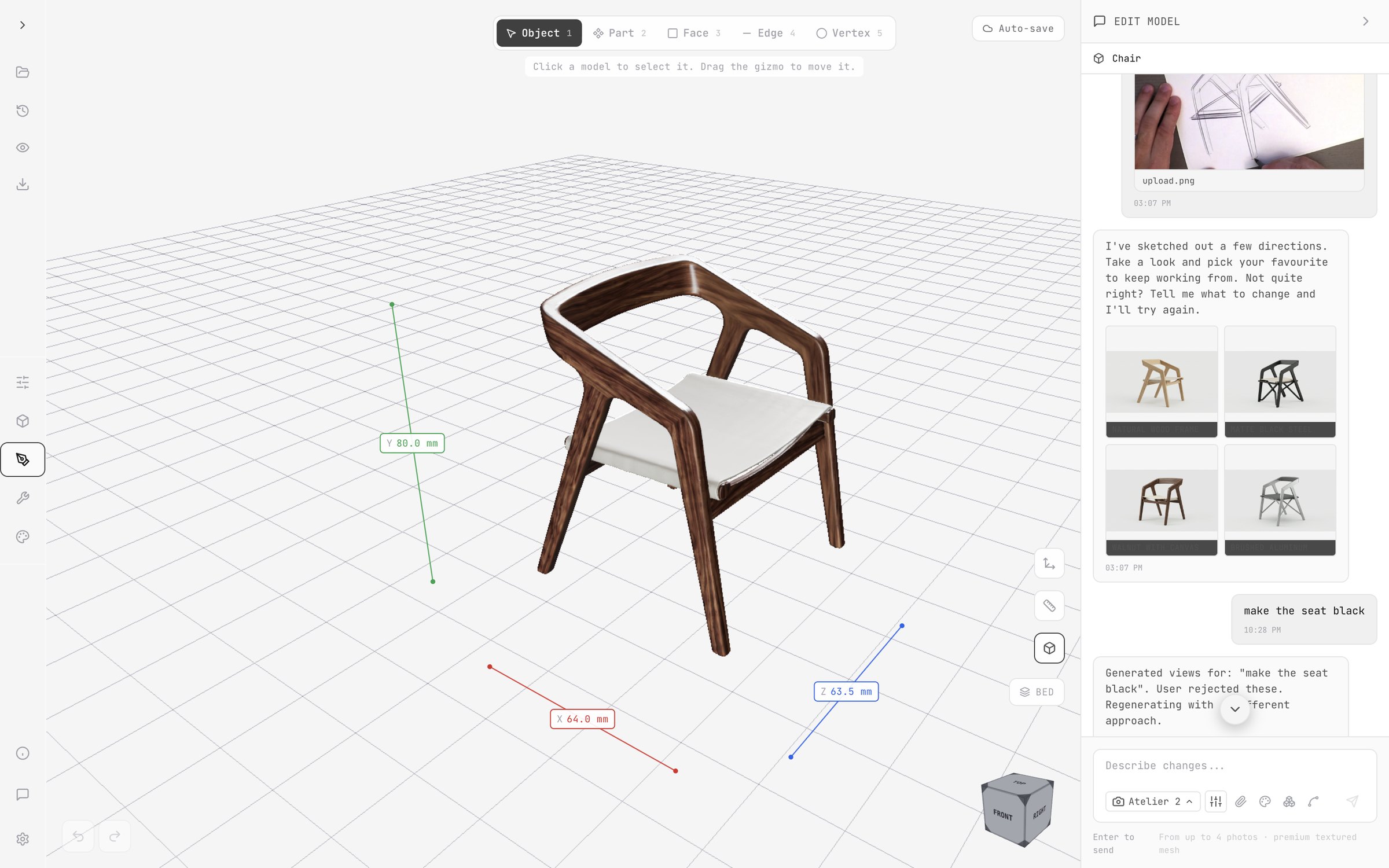
3D generation is slow and expensive, and a bad result wastes both. So Suzanne works in cheap 2D first. When I asked to make the seat black and didn't like the views, I rejected them, and the agent tried a different approach before building anything.
The studio
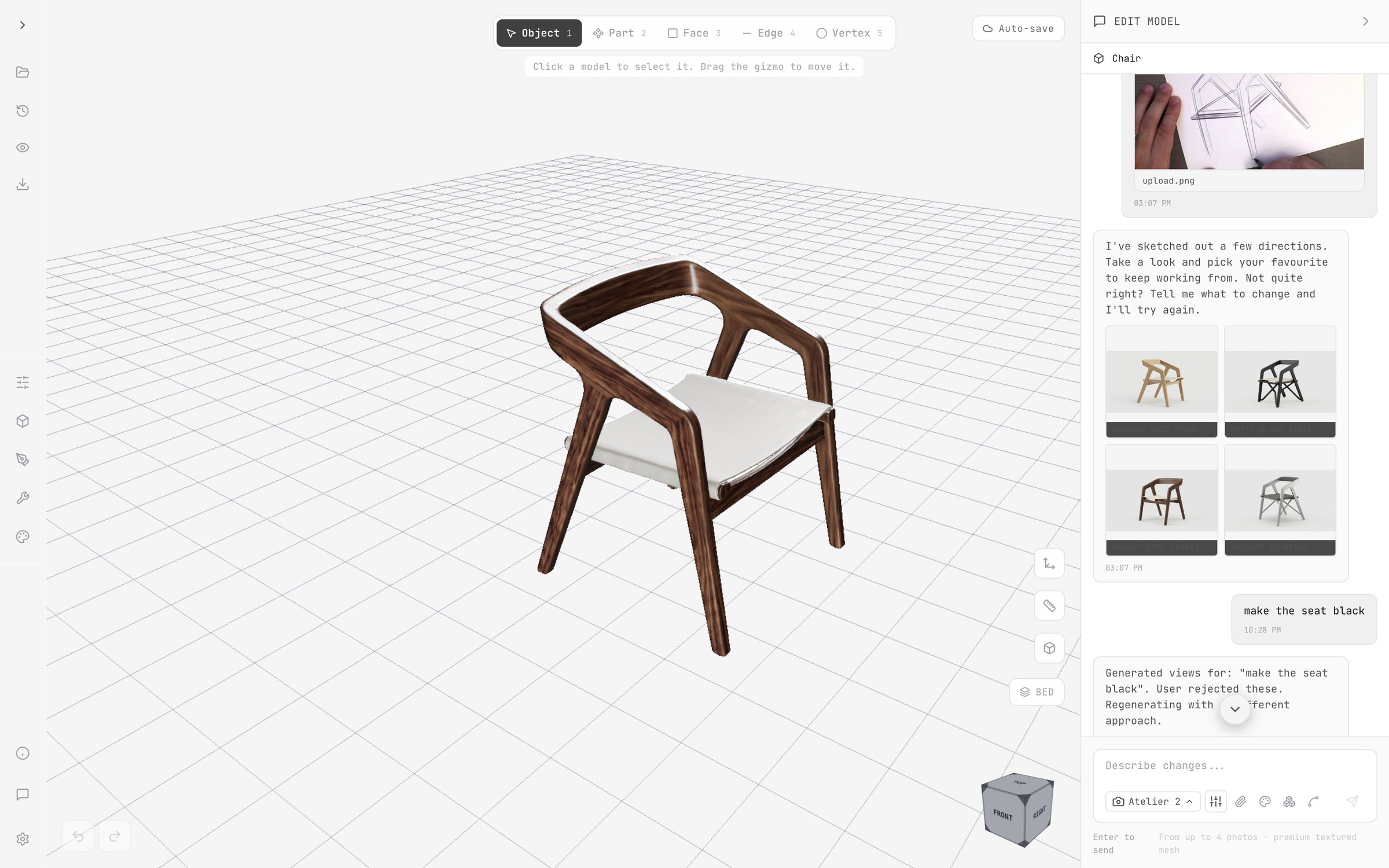
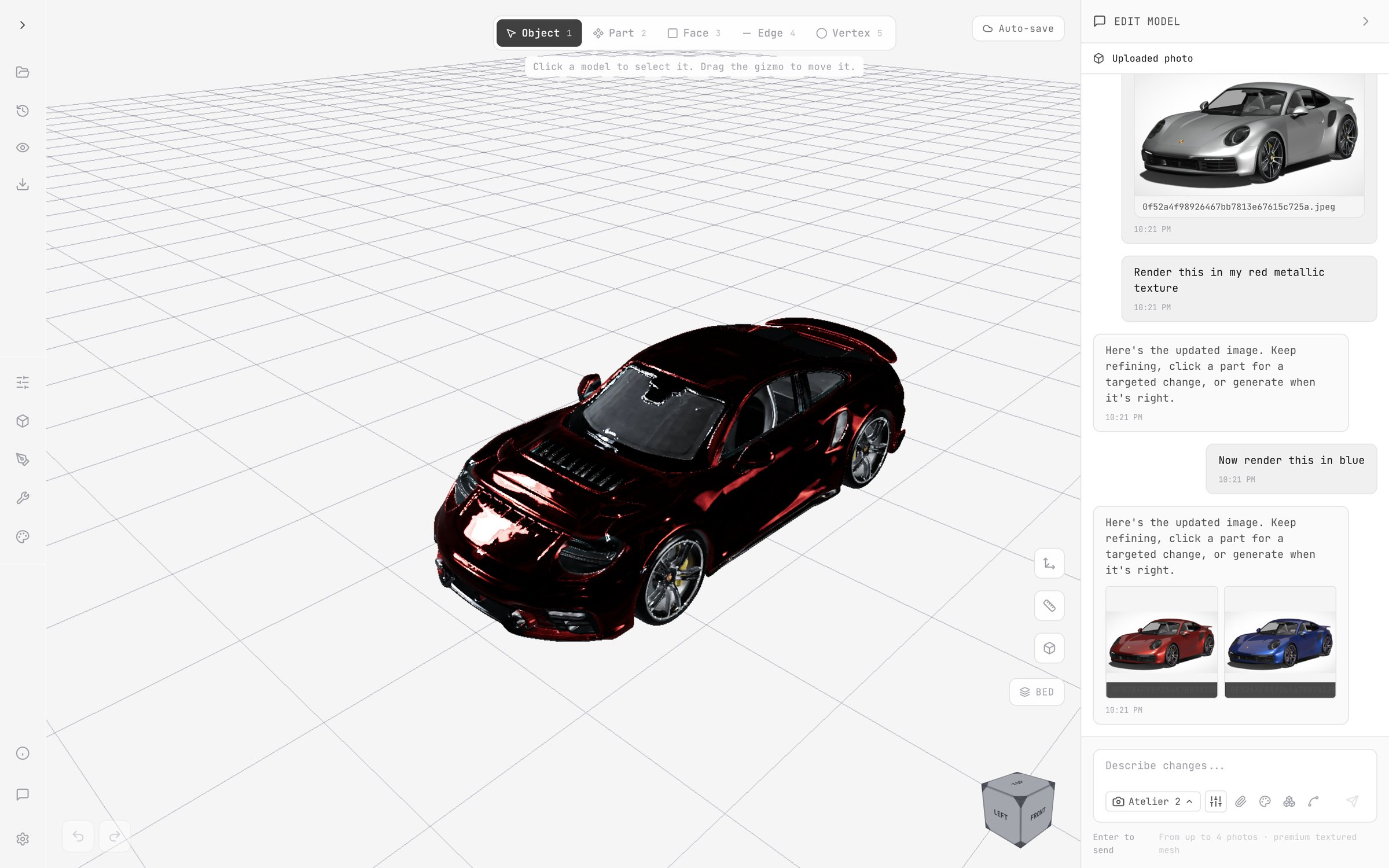
One screen does the whole job.
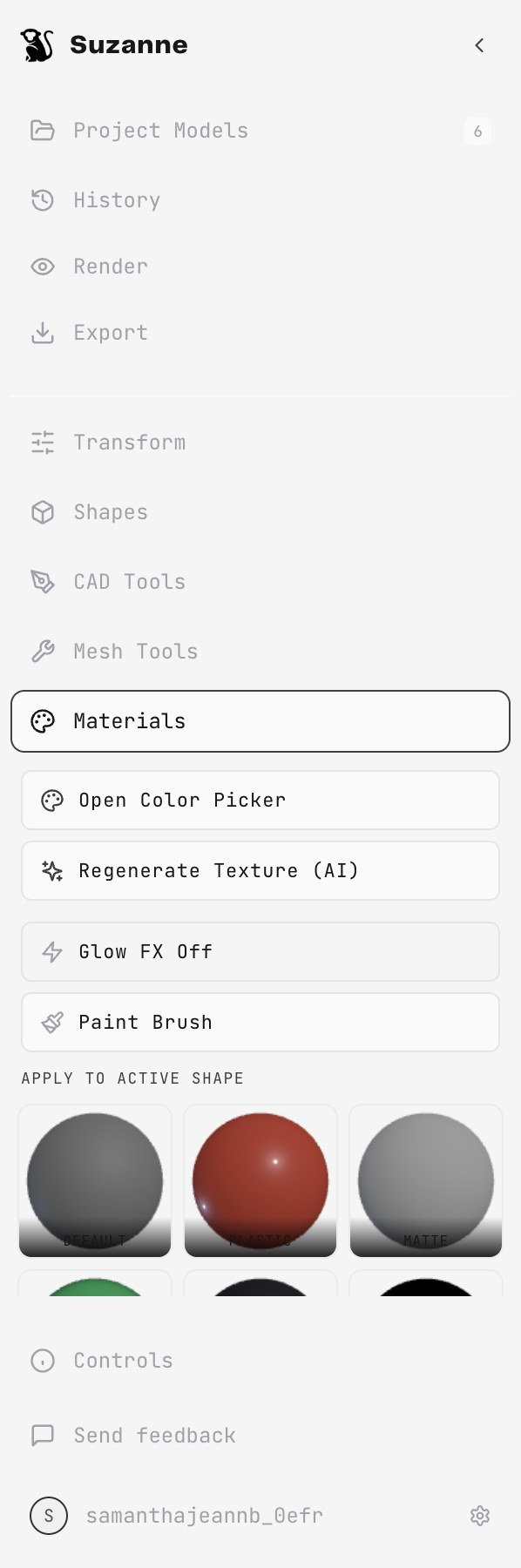
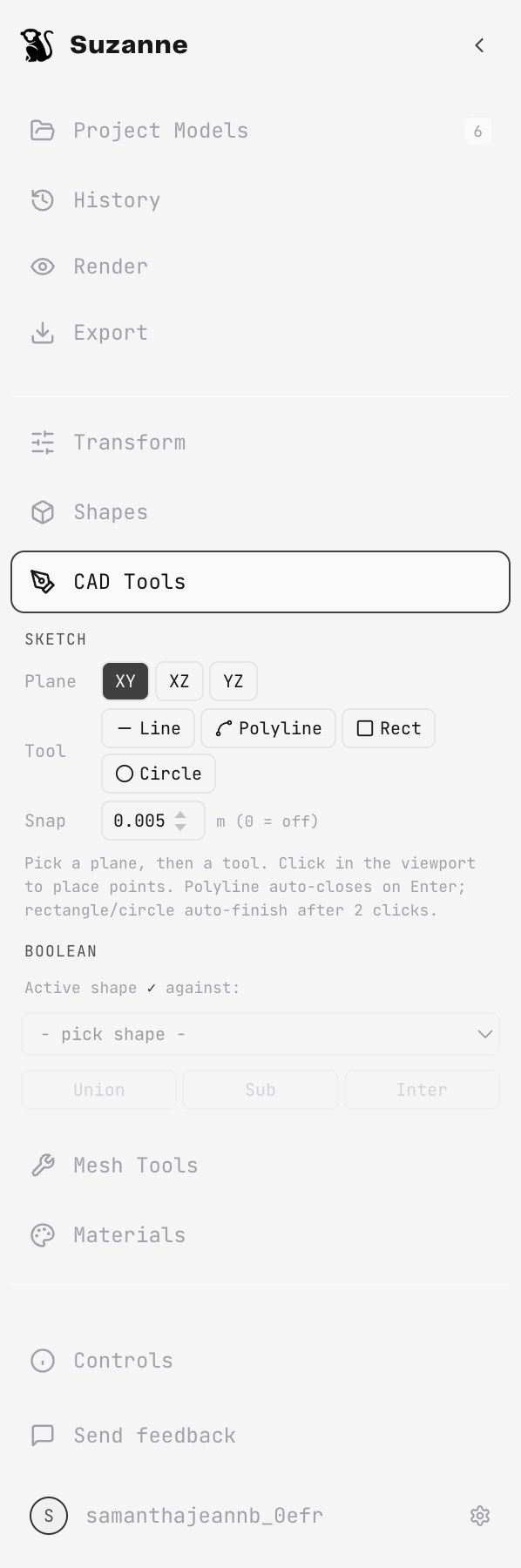
Tools on the left, the model in the middle, the conversation on the right. The canvas is a quiet light grey that matches the render backdrop, so the only color on screen is the thing being designed.
The history map
Generative design doesn't move in a straight line, and undo throws the branches away.
One sketch becomes four directions, one direction becomes four views, and the best idea is often two branches back. I designed the history map so every input and every result is a node you can reopen and keep working from.
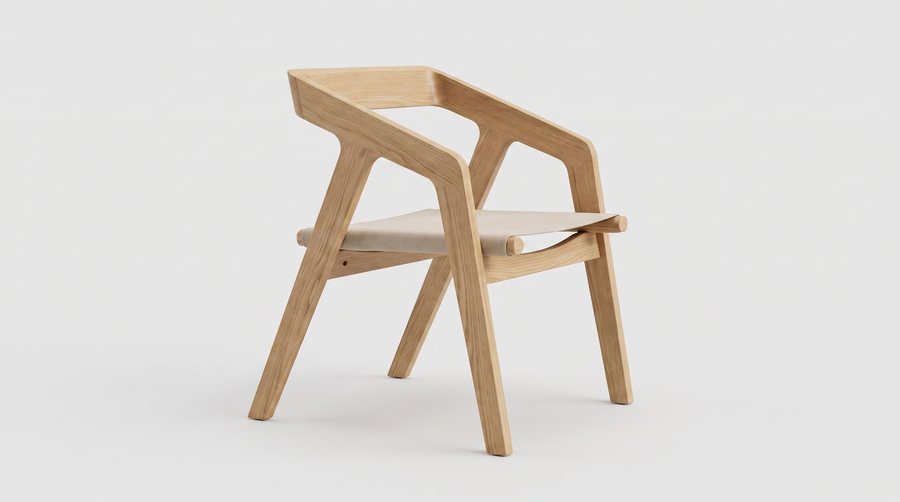
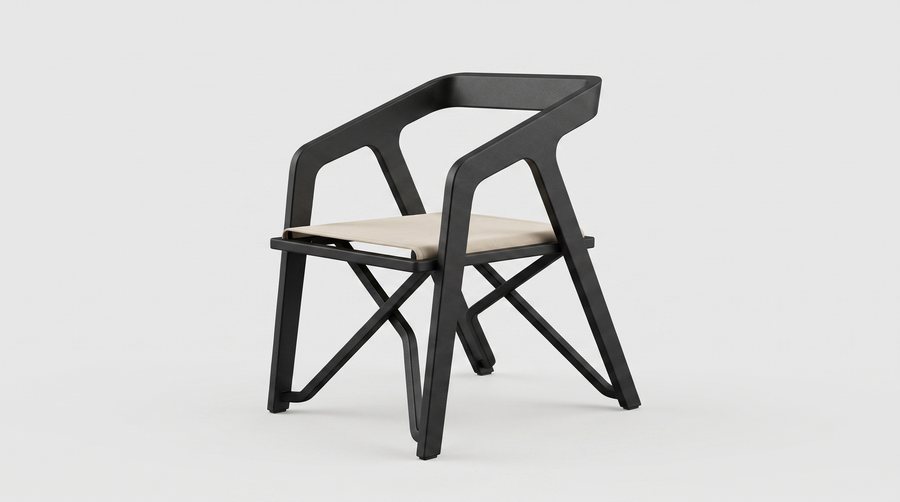
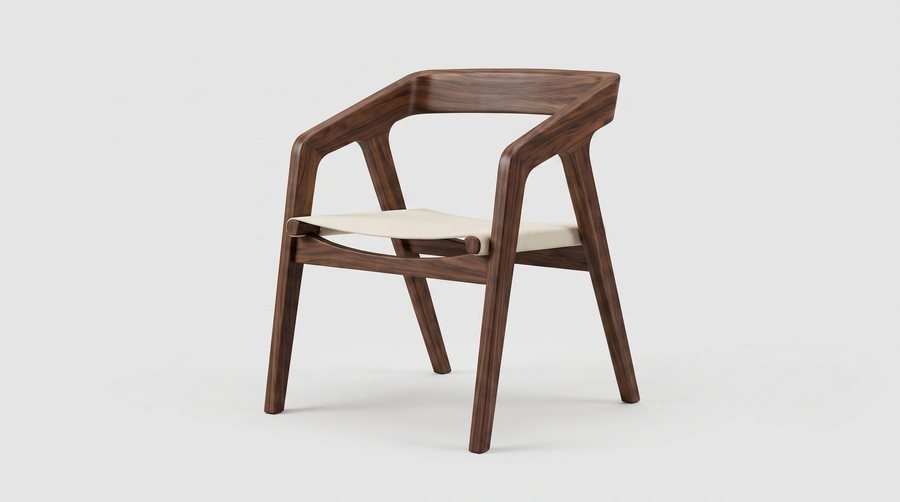
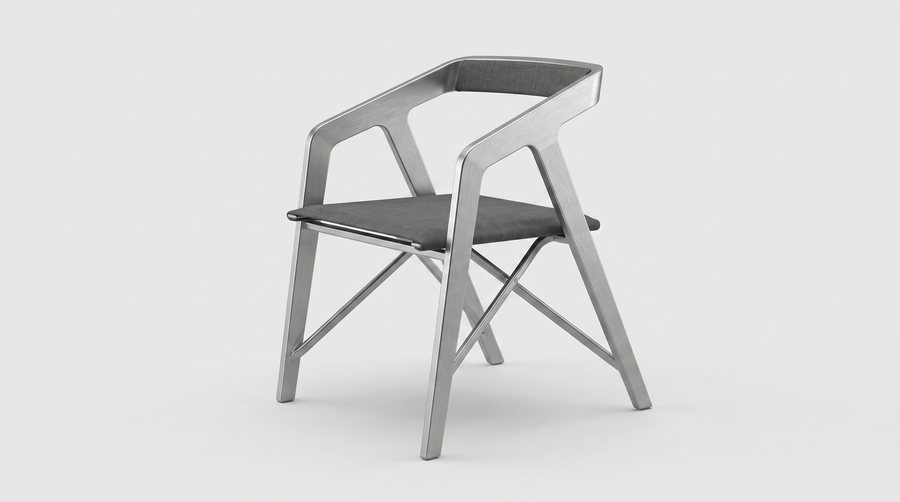
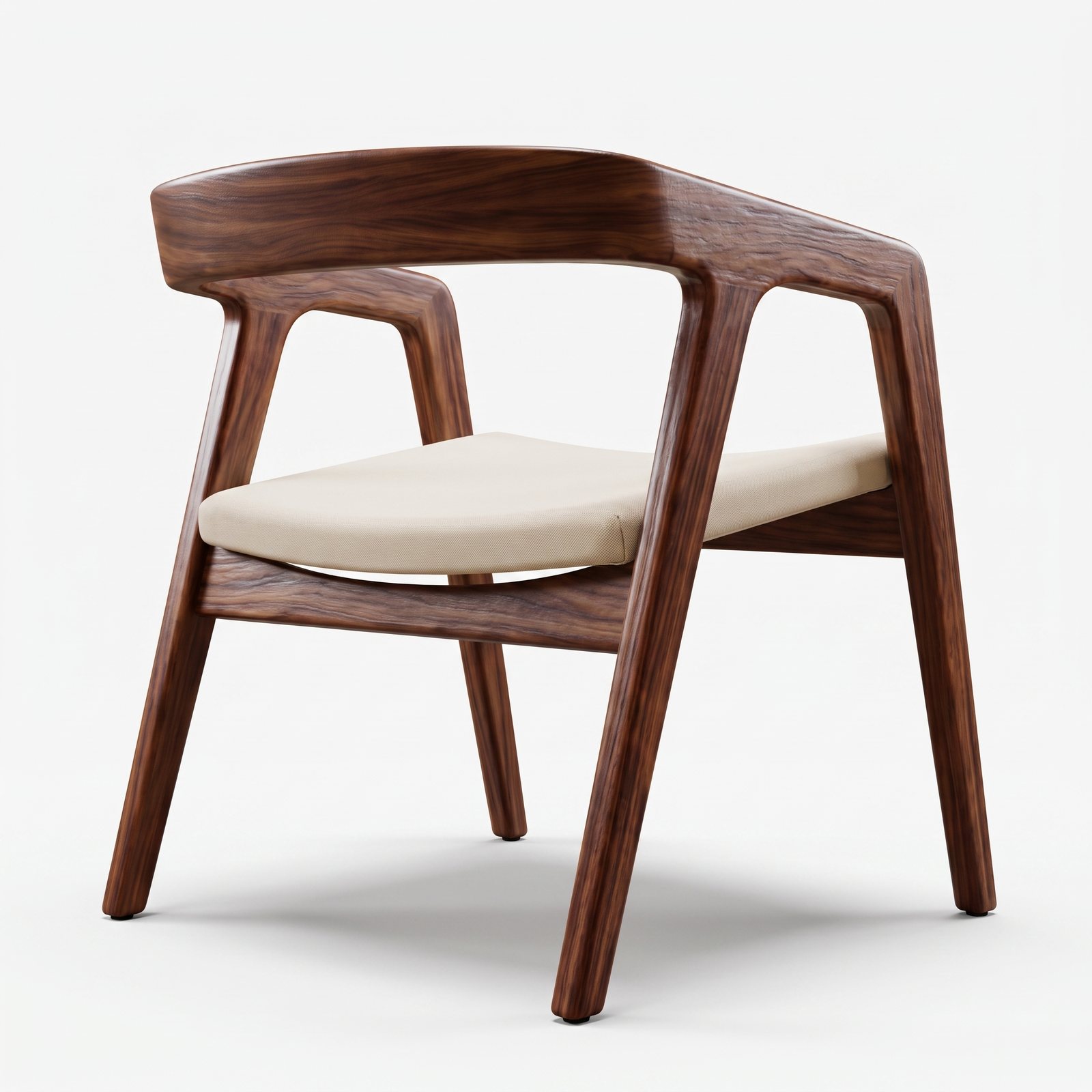
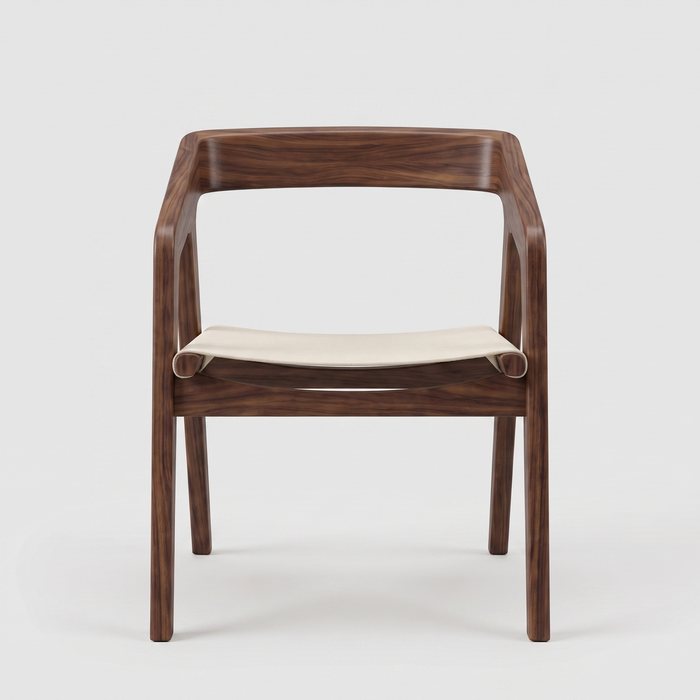
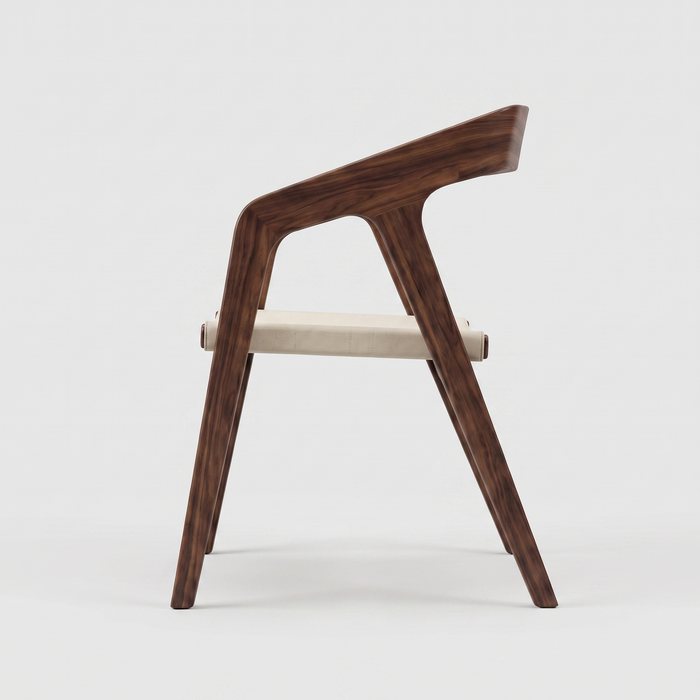
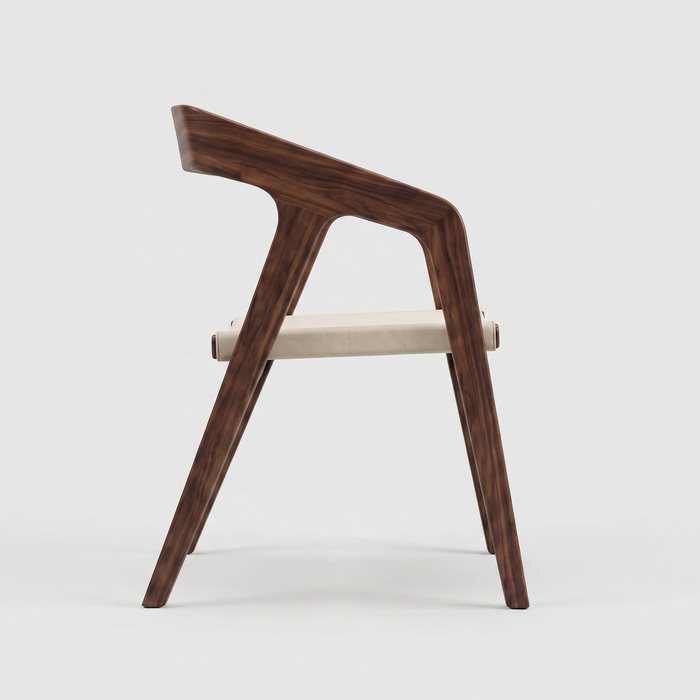
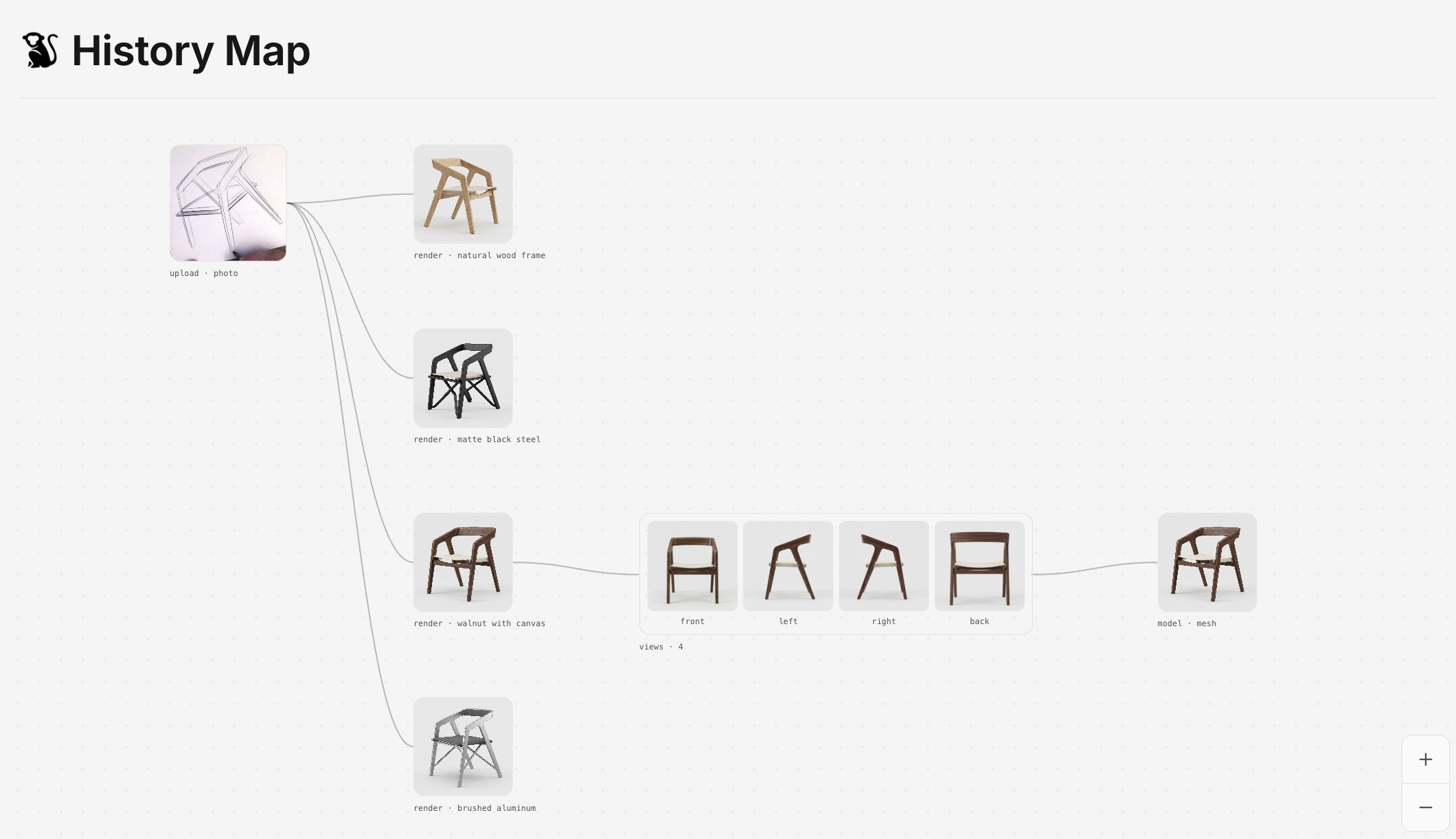
What it records
- Inputs
- Photos, sketches, PDFs, and prompts, kept where they entered the project.
- Branches
- Every variation the agent proposed, including the ones you didn't pick.
- Results
- Views, meshes, CAD models, and renders, each one reopenable.
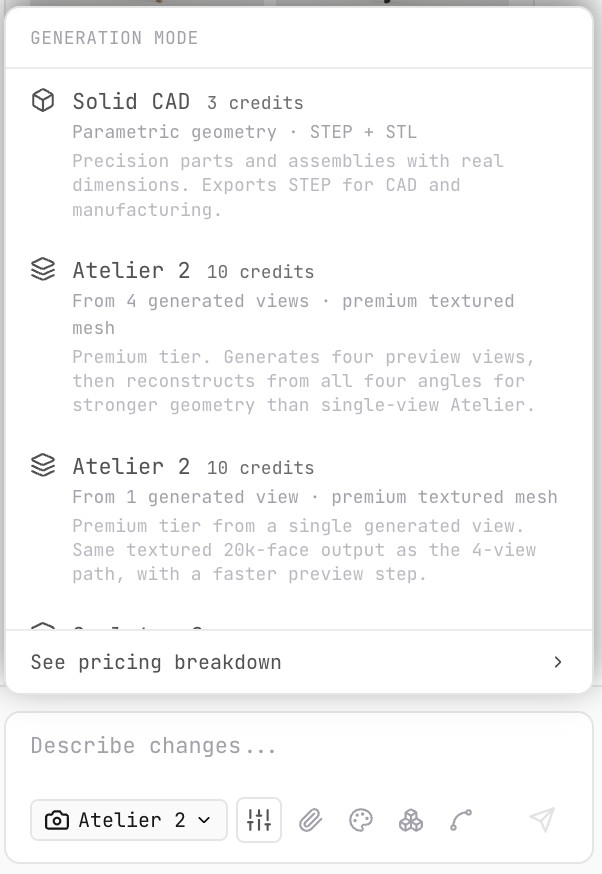
Two ways to build
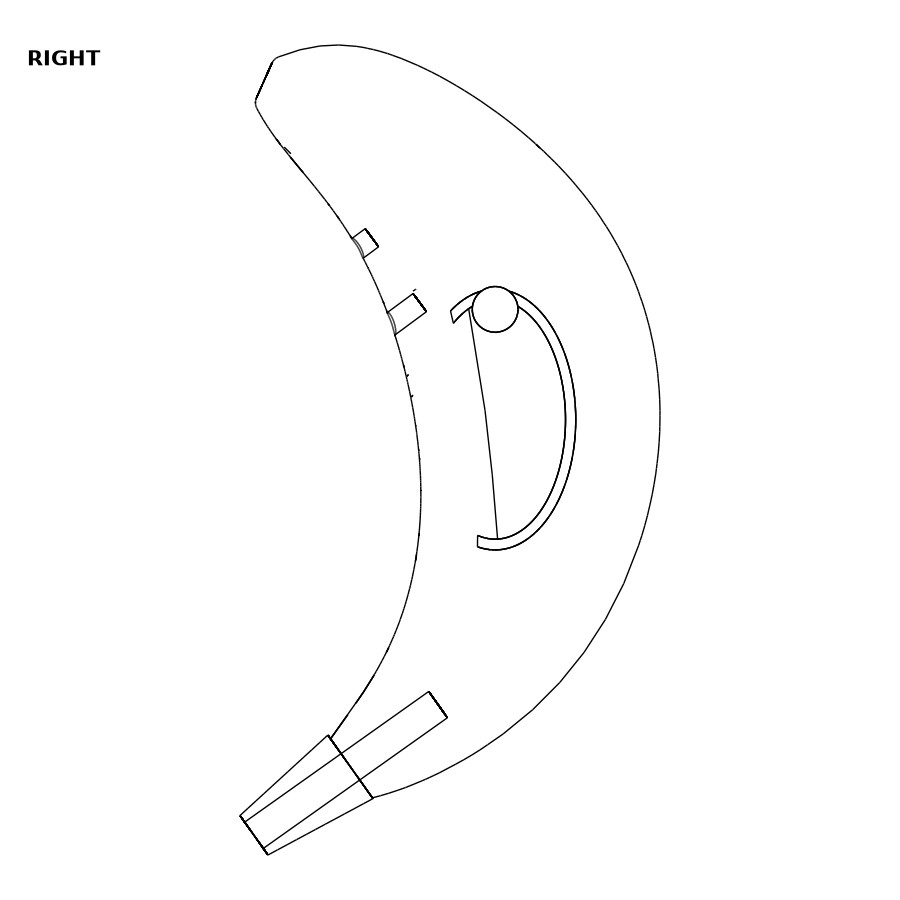
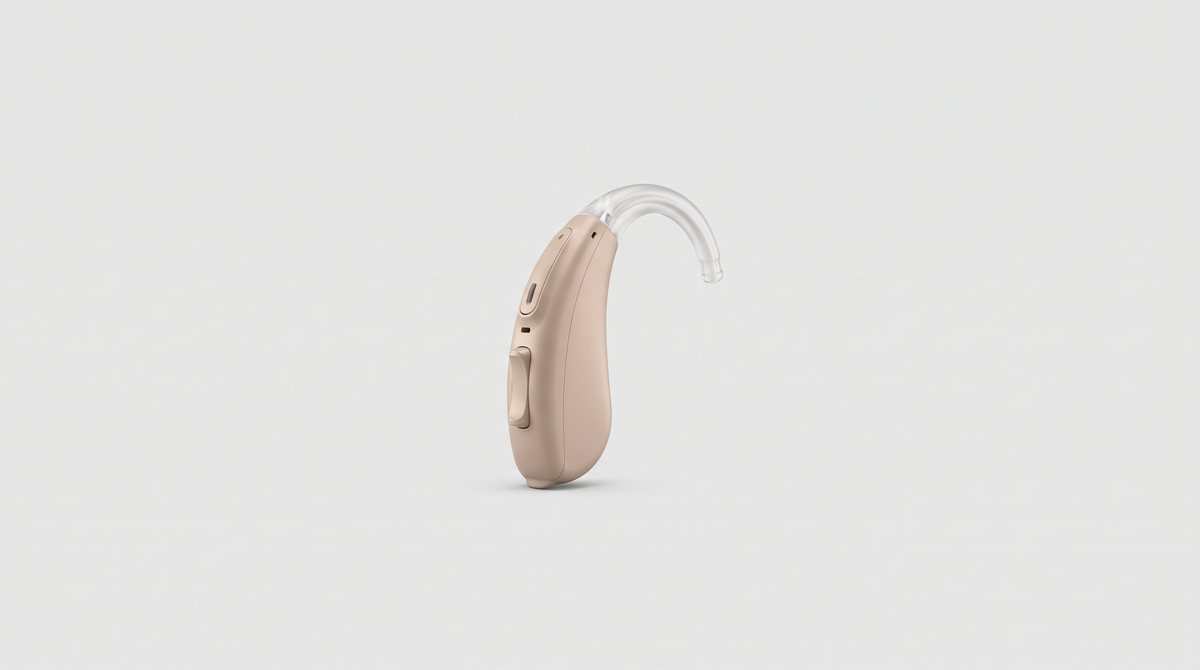
A chair needs a convincing form. A hearing aid needs a 0.84 mm mic port in the right place.
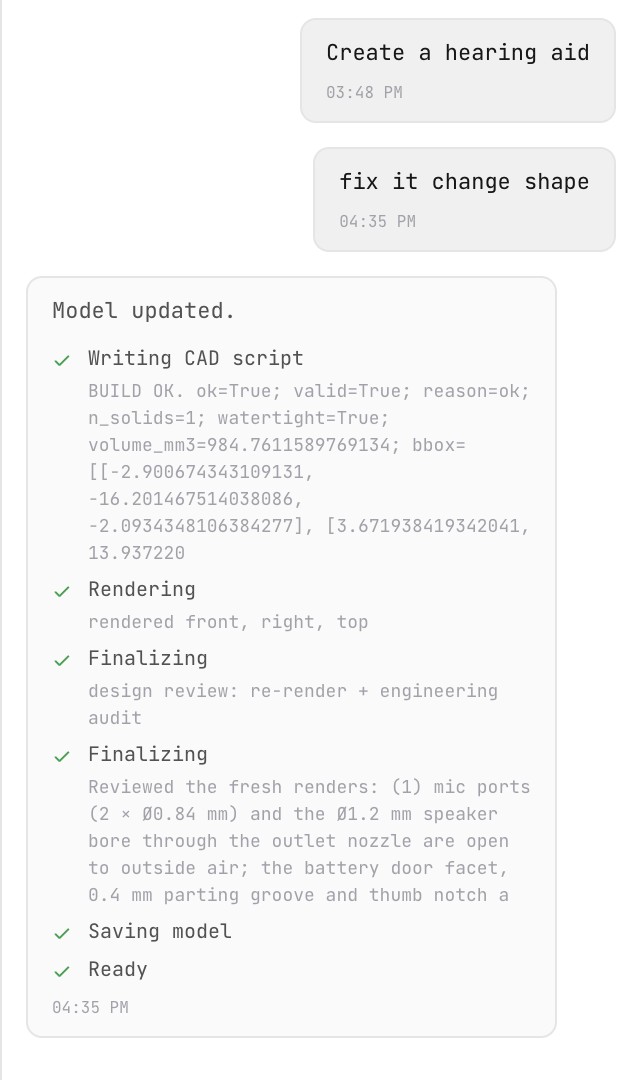
One engine can't do both, so Suzanne has two paths behind the same conversation. The casing video at the top of this page is Solid CAD: a three-part assembly, checked for interference, with the mini jacks moved from a dimensioned drawing in the next build.
Solid CAD
The agent writes a CAD script, builds it, and checks the result: valid, watertight, no interference between parts, volume and bounds. Then it renders front, right, and top views, reviews its own drawings like an engineer, and fixes what it finds.
Textured mesh
Capture, Atelier, and Sculptor reconstruct a mesh from one to four views or real photos, trading cost against accuracy. Best for furniture, products, and anything judged by its form.
How I built it
A React and Three.js studio in the browser, a Node.js API that runs generation as jobs, and Supabase underneath.
Supabase holds accounts, data, and every file a project produces. Geometry work that needs to feel instant, like checking and exporting a model, runs in the browser.
- React, TypeScript, and Three.js viewport
- Object, part, face, edge, and vertex selection
- Sketch tools and booleans on a snap grid
- opencascade.js and rhino3dm in WebAssembly
- Watertight check and seven exporters
- 40+ routes for views, models, and iteration
- Generation jobs with priority and concurrency per plan
- Views first, approved before 3D
- Segment, retexture, and optimize topology
- Voice input through transcription
- Claude writes CAD in OpenSCAD, build123d, or CadQuery
- Image models for concepts and consistent views
- Mesh reconstruction tuned for cost or accuracy
- Self-review renders and an engineering audit
- Supabase auth, Postgres, storage, and realtime
- Every asset stored by project and session
- Stripe credits with auto-refund on failure
- PostHog and Sentry
Decisions I made
Check geometry where it lives
Watertightness, STEP export through opencascade.js, and Rhino export through rhino3dm all run client-side, so downloading a model never waits on a server.
Jobs, not requests
A generation can take minutes, so it runs as a job the app can track, retry, and refund if it fails. Paid plans get more concurrent jobs and a faster queue.
Store every branch
Uploads, concepts, views, models, and renders are saved per project and session, which is what lets the history map rebuild any branch.
End at the printer
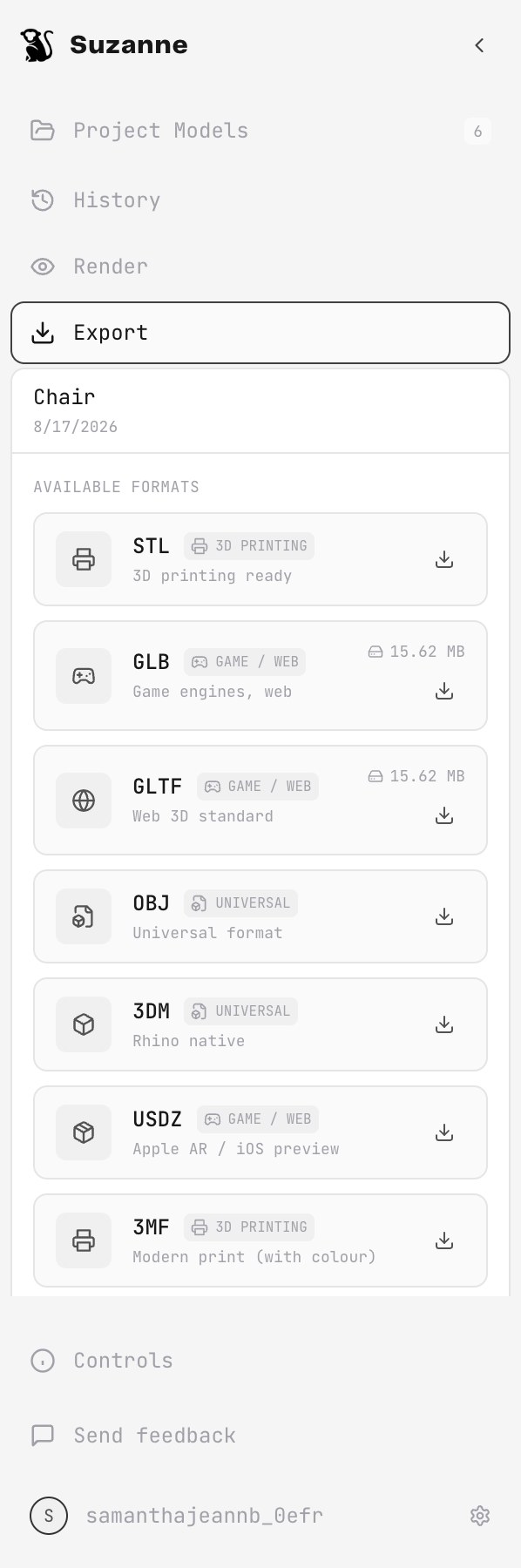
STL, 3MF with color, STEP, OBJ, GLB, USDZ for AR, and 3DM for Rhino, plus a one-click hand-off to Bambu Studio.
Brand and design system
Graphite, safety orange, and one engineered word.
The 2026 identity borrows from the shop floor. Warm graphite panels with a dot grid like a build plate, safety orange for actions and the layer being printed, and a single wide technical word in each headline. The app stays neutral and light, so the only color on screen is the model.
Create manufacturable 3D models, ready for production.
An agentic industrial design engine that runs the whole product pipeline, from first concept to functional prototype.
Palette
Describe the change. Skip the rebuild.
- One accent, one job.Orange marks what you can act on and what is happening now. Nothing else gets color.
- The build plate as a surface.Dot-grid panels hold every product view, so the page reads like a workspace, not a brochure.
- Show the machine working.Readouts, typed prompts, and checks that pass in real time stand in for marketing claims.
App
Programs

Suzanne started in Canopy, Founders, Inc.'s five-week program for software, hardware, and media builders, on its 42,000 sq ft campus at Fort Mason. Suzanne was one of 120 teams invited to build on campus and showed at the closing showcase.

Suzanne was accepted into NVIDIA Inception, NVIDIA's program for AI startups, which supports members with technical resources, training, and partner benefits. A good fit for a GPU-heavy generation pipeline.
Outcome
1,000+ users and 2 enterprise customers.
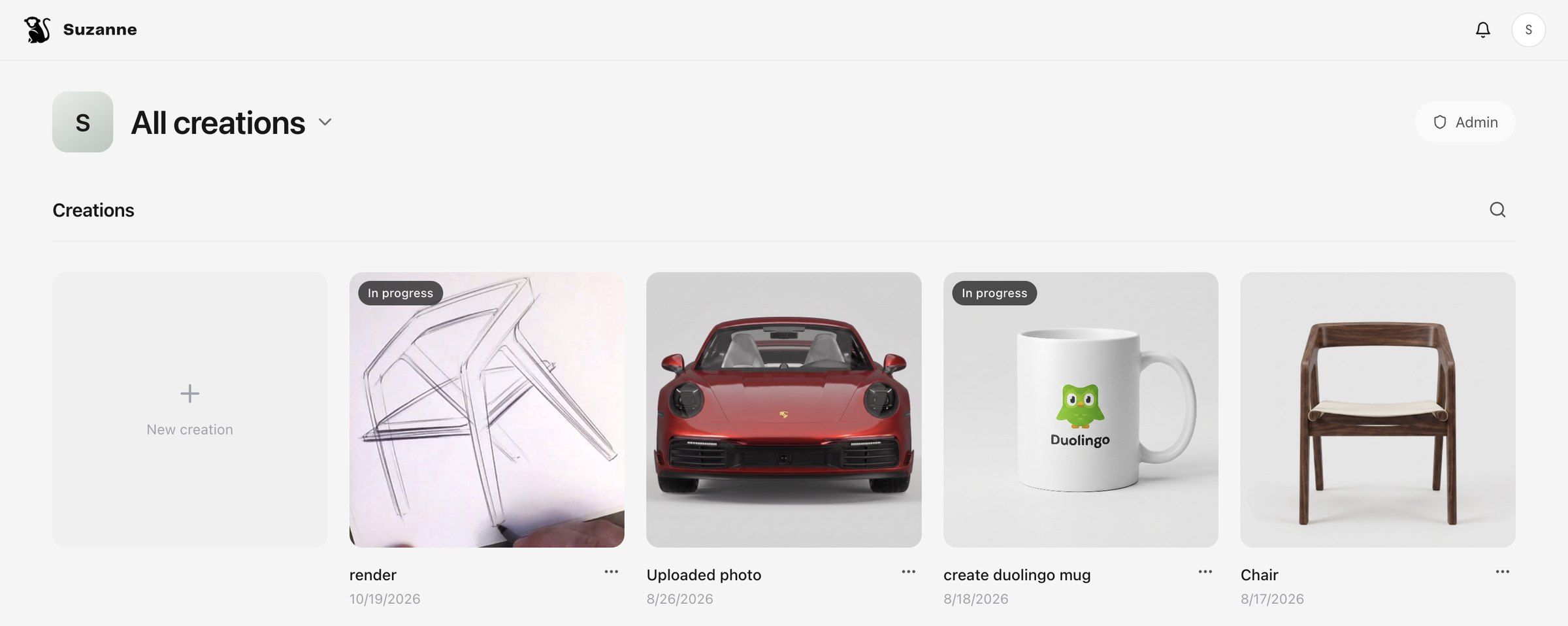
The same flow works far beyond chairs: a car from a single photo, soft furniture, consumer products, and a medical device built as solid CAD.


What I took from it
Preview before you commit
Cheap 2D views before expensive 3D keep the designer in control and stop credits from disappearing into bad builds.
Manufacturable is the product
A pretty mesh is table stakes. Real units, watertight solids, and the right file format are what make a model useful to the people who have to build it.
Show the work
The history map and the build log turned a black box into something designers could reason about and correct.